Everything you do for them —
finally in one place.

Here's what's actually different:
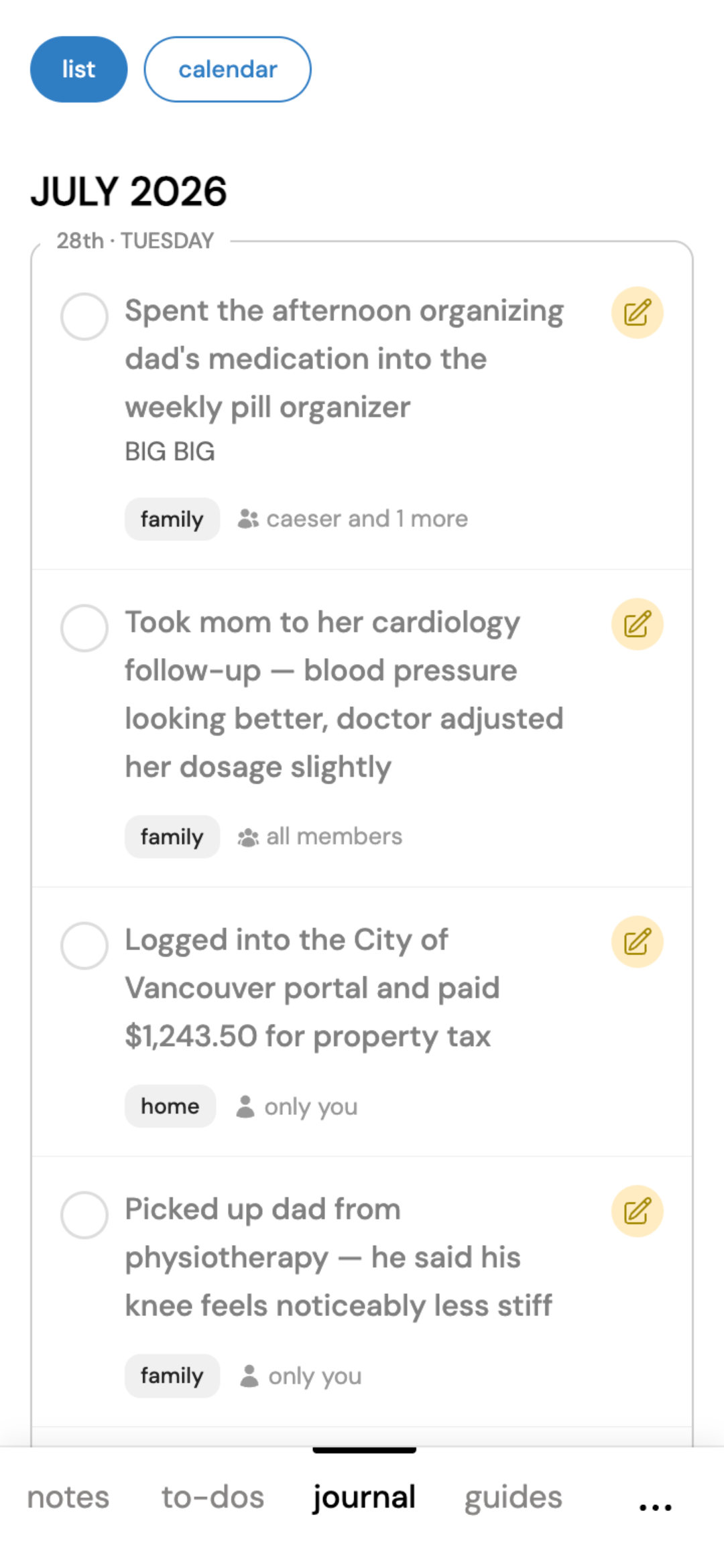
- Finish a task and it automatically shows up in your journal. So you end up with an actual record of what got done, not just a list of what's still pending.
- Grocery lists update live. Check something off at the store, and it's gone from everyone else's list before you're even back in the car.
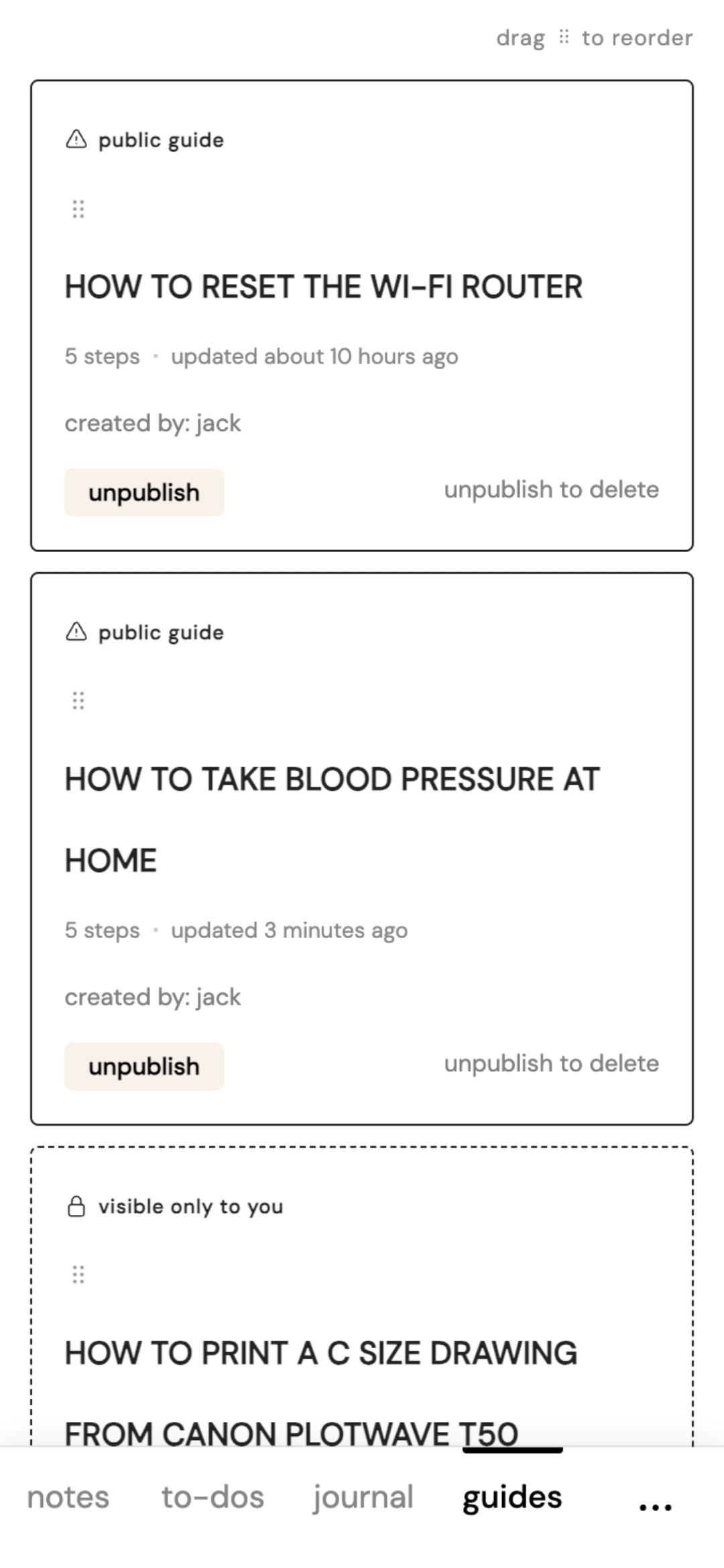
- You can also write step-by-step guides — the "here's how the sprinkler system works" kind of thing, with photos and voice notes attached, so you're not explaining it over the phone again next year.
- Most of task trackers are built for one person trying to get more done. This one's built around a family trying to stay on the same page.
I built OkayList because I needed it myself — between my mom's appointments and keeping my dad and sister in the loop, I was tired of repeating updates and digging through old emails for things I knew I'd saved somewhere.
Other apps were either locked to one phone's ecosystem or built for managing complex projects, not families. So I built something simple enough that my parents, my spouse, and I could all just use — no manual required. My family uses it every day.
If you're juggling your own household and a parent who needs help too, you've probably ended up using two different apps for it — one for your family, a different one for their care. OkayList doesn't make you choose.
- Create a separate group for your parent's care — invite a sibling without giving them access to your own household's grocery list
- Switch between your groups in one tap — everything stays cleanly separated, nothing bleeds together
- One subscription covers a whole group — nobody else you invite needs their own
Add OkayList to your Home Screen and it behaves just like an app.
- No feature bloat — just the tools you actually need
- The full app-like experience (like push notifications ) without installing an app
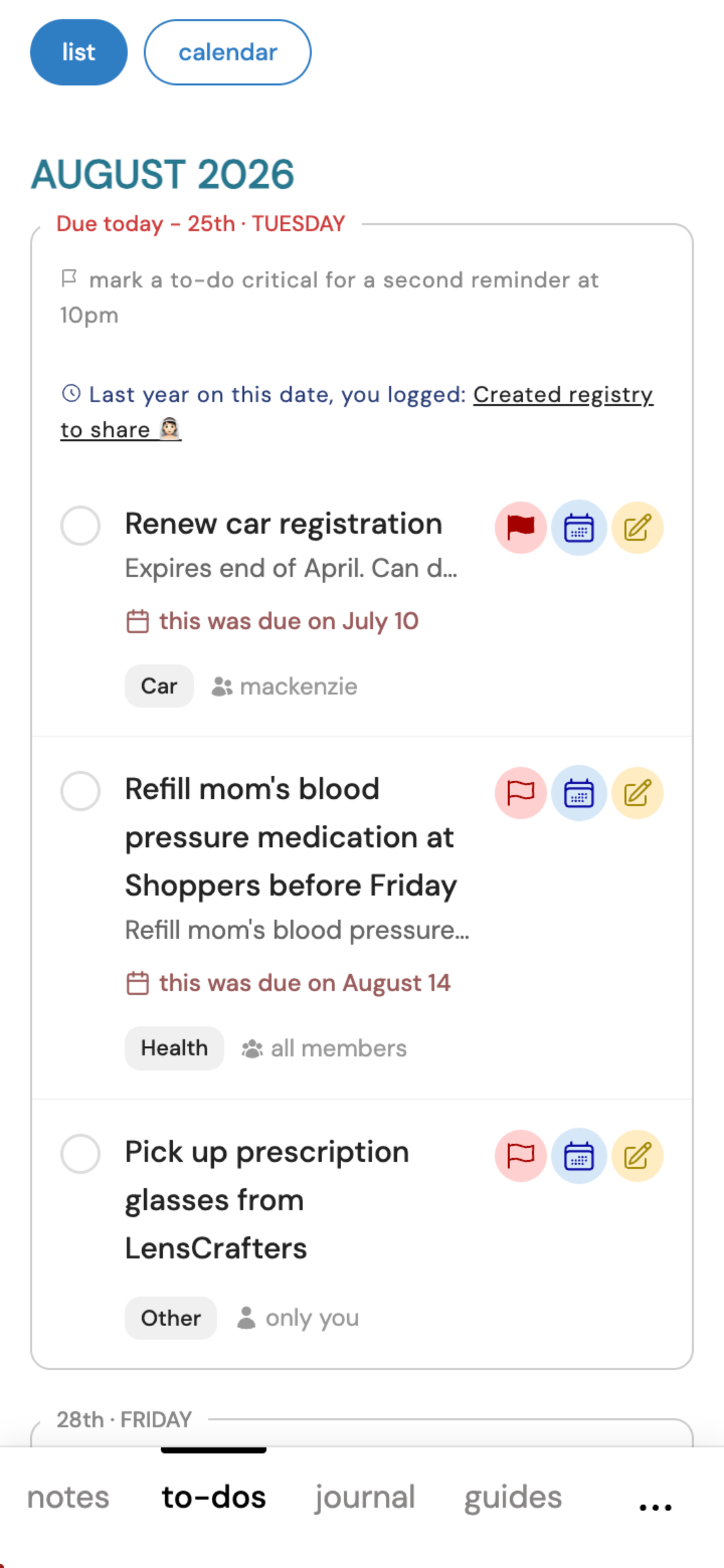
Keep a shared or private list with due dates. Mark something done and it moves straight to your journal.
- Set due dates and see what's coming
- Mark done and it moves to your journal automatically
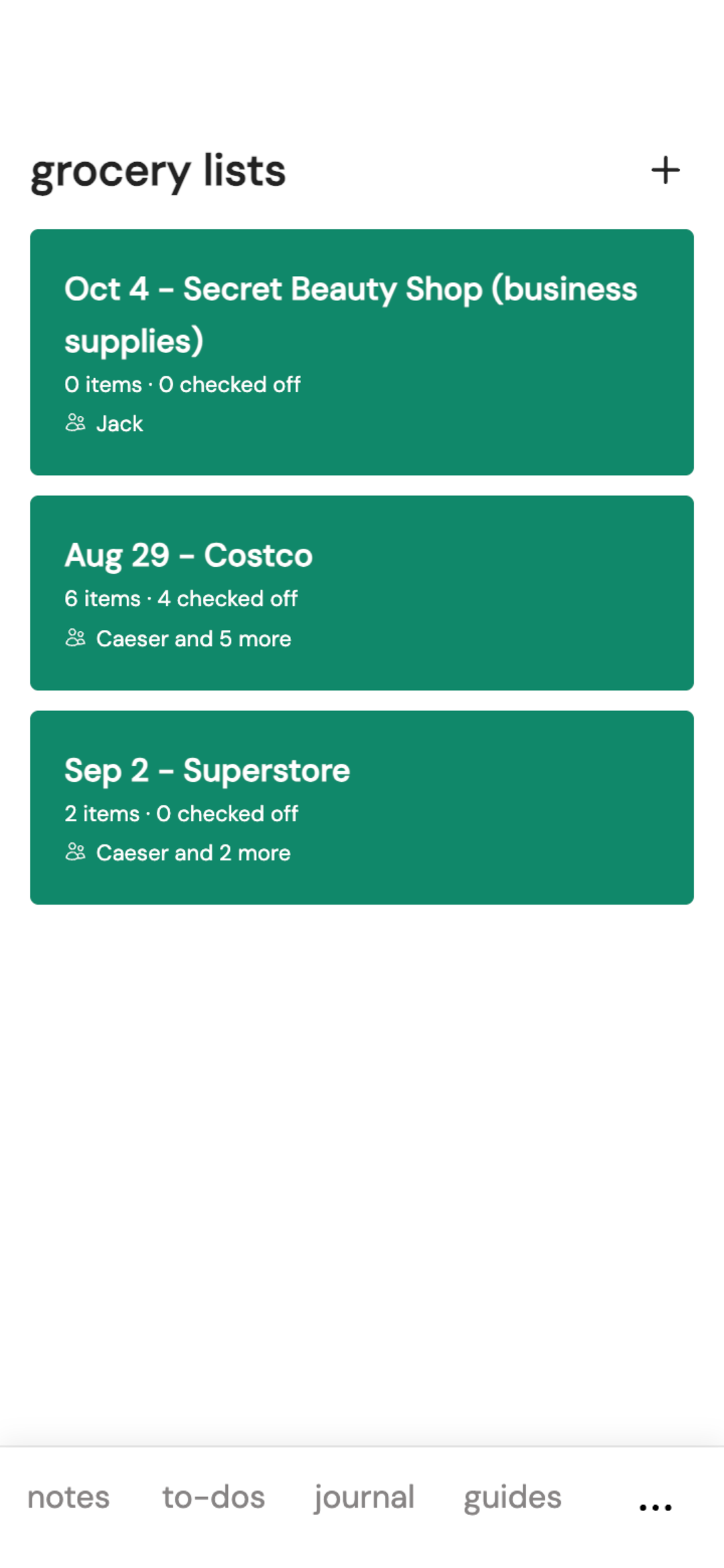
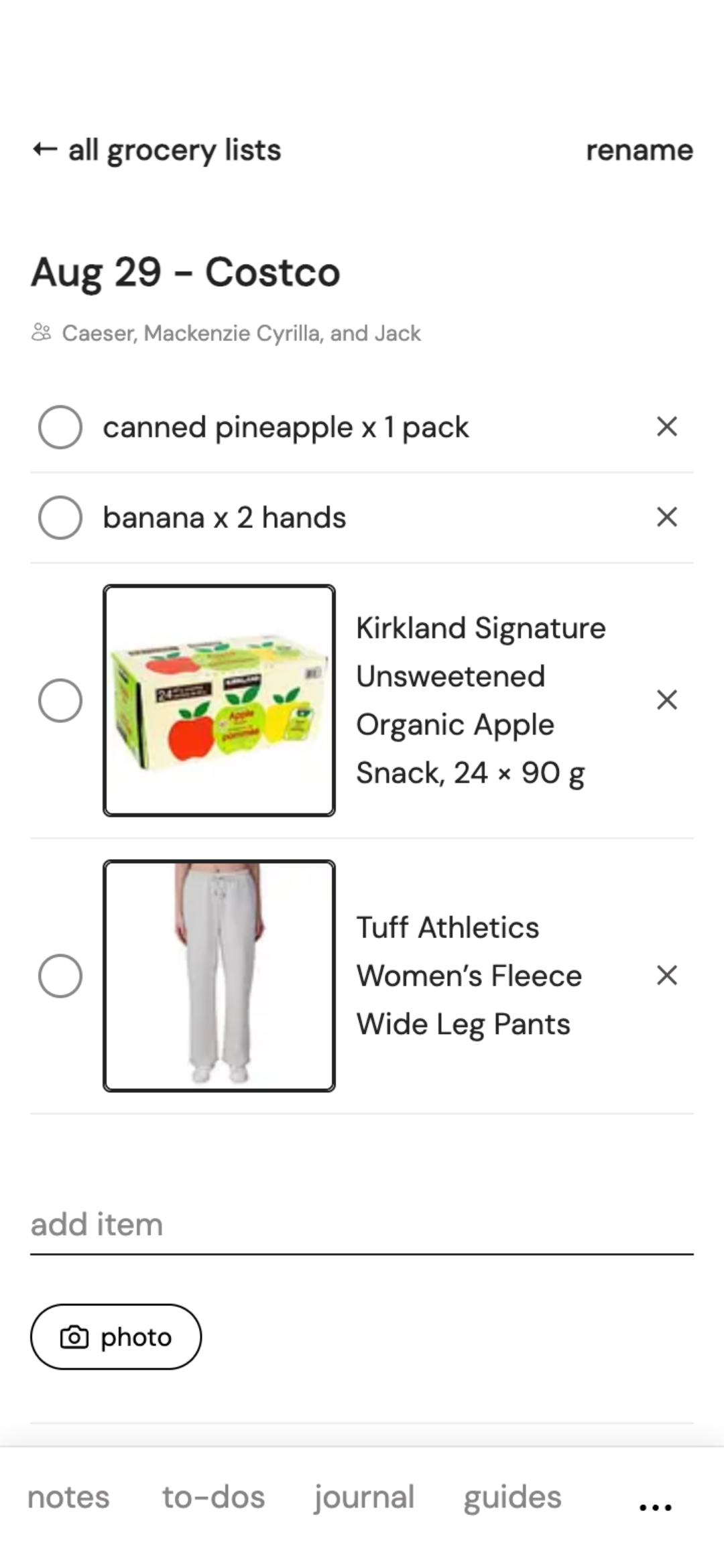
Add milk to the list from your couch. Someone else checks it off from the actual aisle at the store. No texting "did you get it," no duplicate trips — the whole family sees the same list update live, wherever everyone is.
- Real-time — updates appear the moment someone checks something off
- Add a photo* to an item so there's no guessing which brand
- Keep separate lists — "Costco run," "weekly groceries," whatever fits
Did you text them about it instead? They'll have a hard time finding that later, buried in months of messages. Log it here so nothing gets forgotten.
- Attach voice recordings of important conversations
- Completed to-dos move here automatically
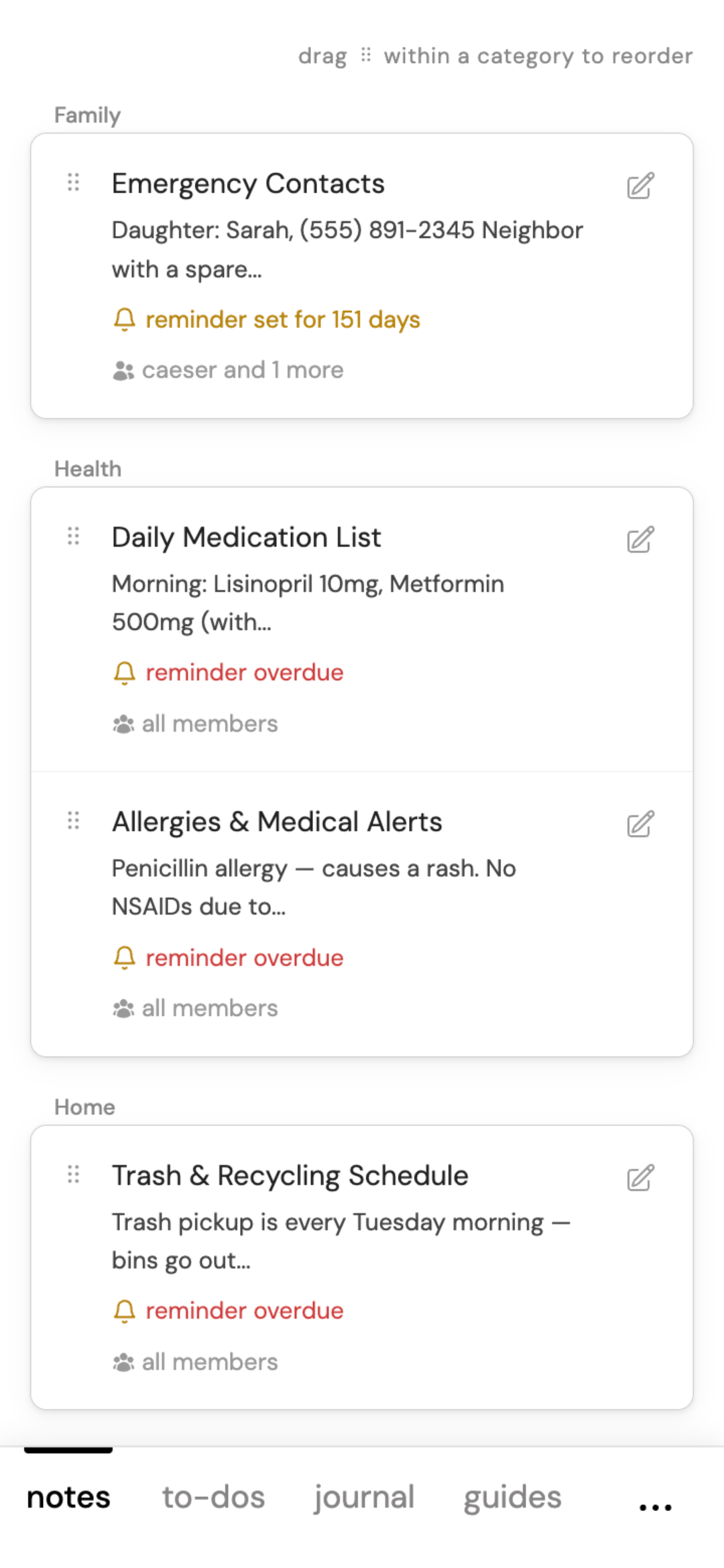
Doctor's phone numbers, insurance details, the wifi password. Keep them organized by category and find them in seconds.
- Organize with categories you choose
- Private or shared — visible only to who you choose
Create step-by-step guides for any device or process. Share via a link or a QR code — no login needed to view.
Keep a record of everything.
Create your first journal in under 5 minutes.
Get started free →